
QuickQuote Pro · 1 / 4
Site visit
Photos, measurements, materials and a voice note right at the customer. The AI sorts the note into the right place, the office sees it all on the project.
Explore this step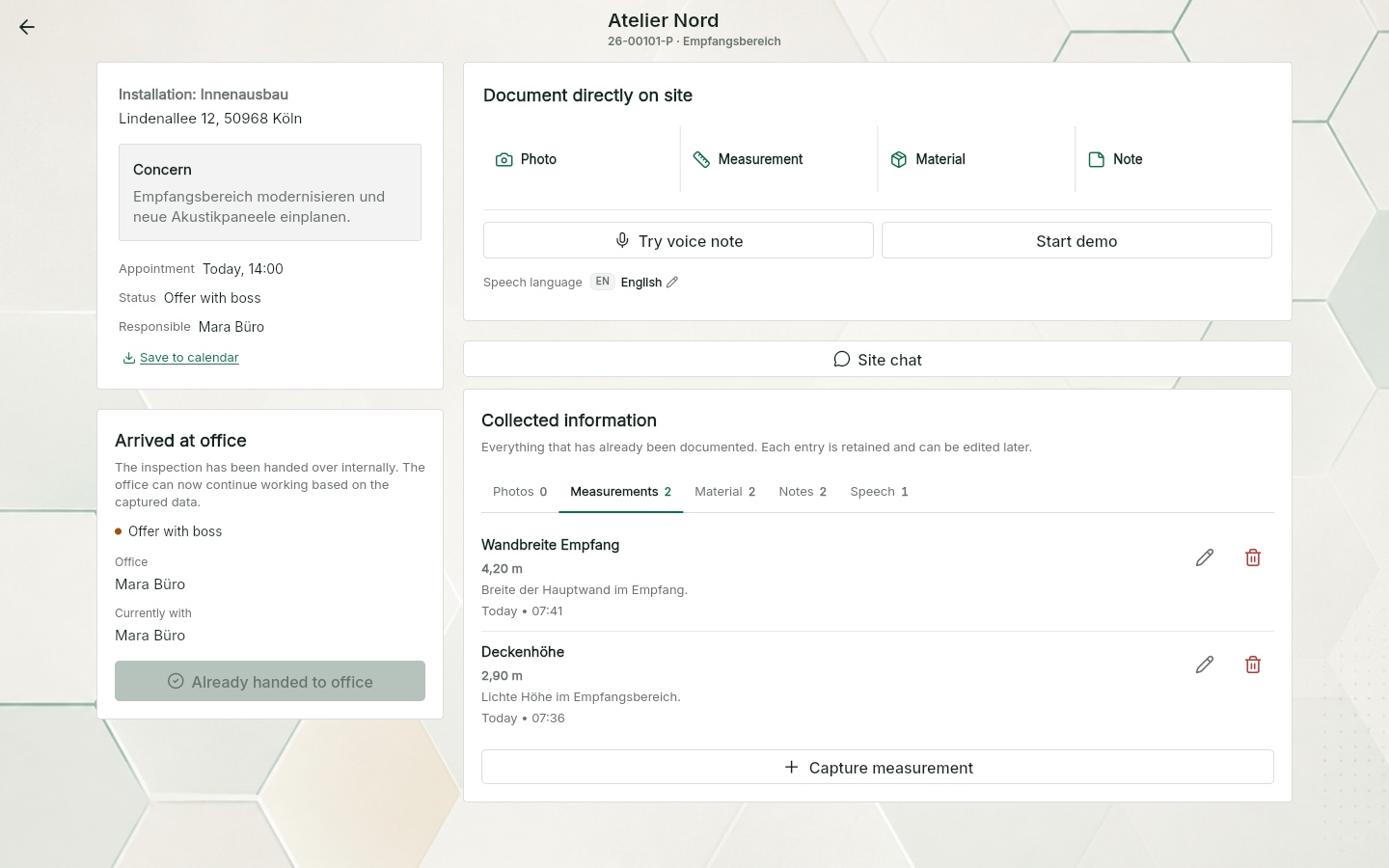
QuickQuote plans your week, collects hours straight from the job, turns them into the timesheet and keeps vacation and sick leave in one place.
For up to ten people including the owner.
No payment details, no trial.
At your desk. On the go.
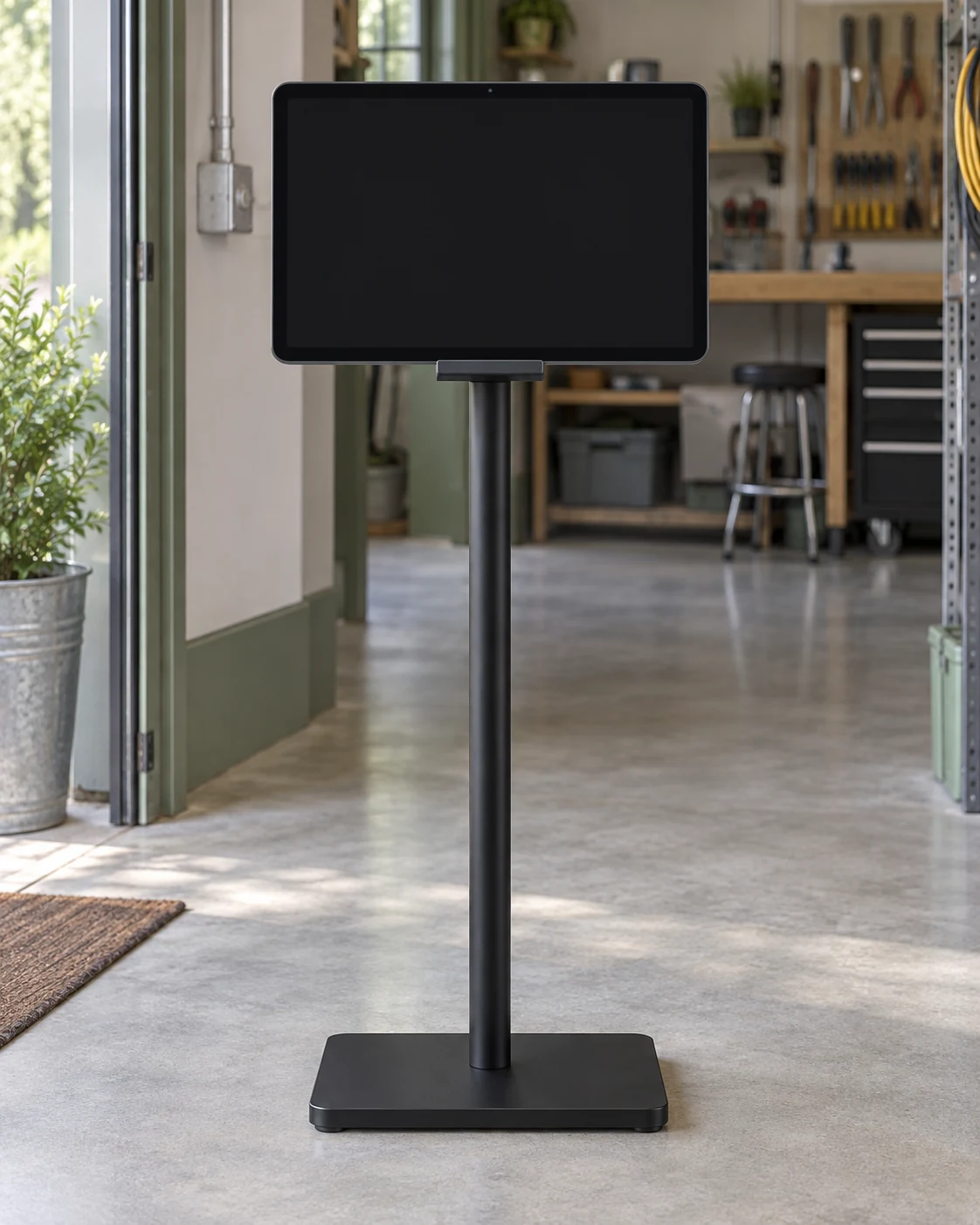
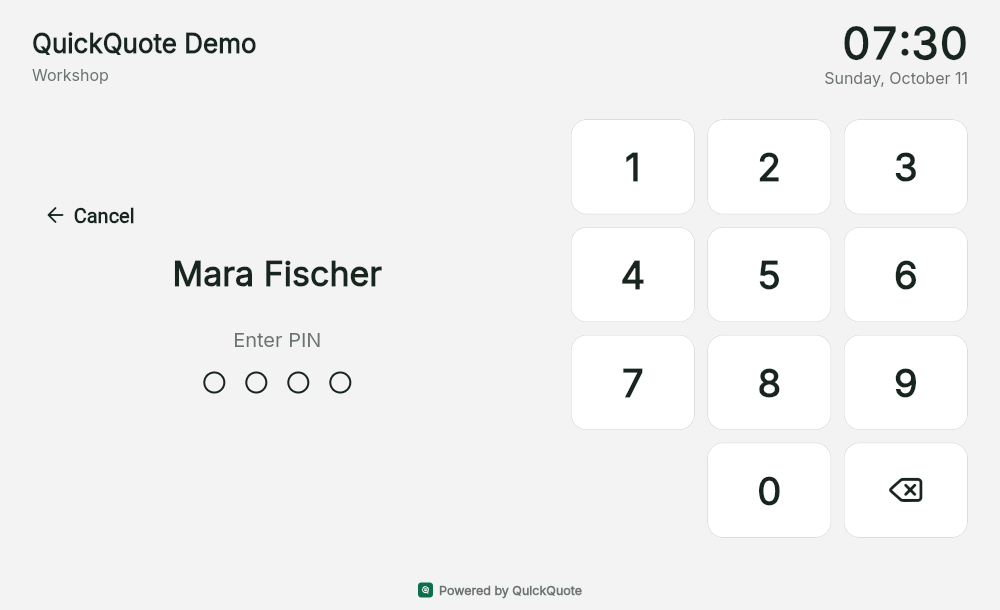
Time tracking and time clock. Free.For up to ten people including the owner: clock in and out on a compatible Datafox terminal, on a tablet with a PIN or in the app on your company network. The time clock records attendance; you book project hours separately on the job.
Free time trackingQuickQuote Job Scheduling
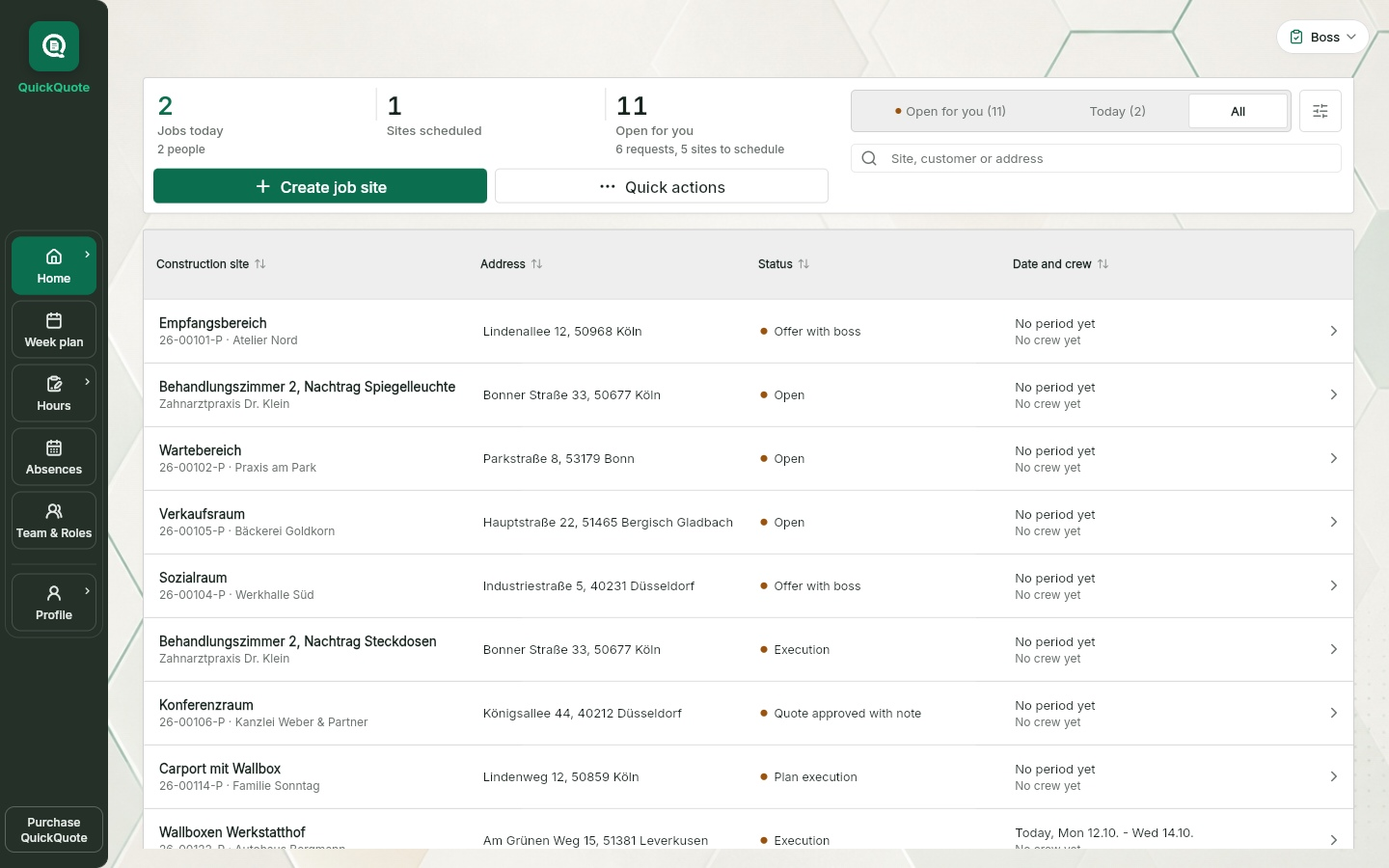
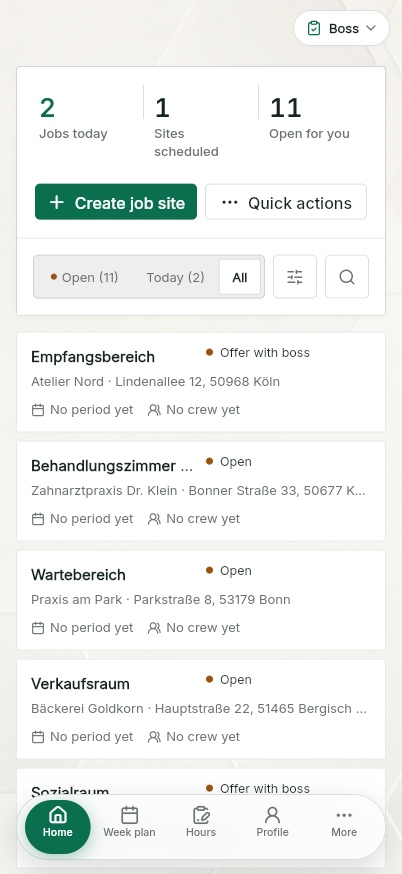
Create a job site, drag it onto a day, done. Your installers see right away where to go. Hours come back from the job, vacation and sick leave land in one place.
A week plan per installer. Drag bars, build crews, set the customer appointment with a time. Absences sit in the same row.
Free job schedulingRecord your own office hours or add and review team entries at the office. On site, record start, end, breaks and materials. All in the same time tracking system, with PDF timesheets.
Track office and site hoursVacation request, sick leave, special leave in the app. The team sees them in the week plan, the vacation account tracks entitlement, carry-over and remaining days.
Vacation planning for tradesEvery member gets a subscription link for Google Calendar, Outlook or Apple Calendar. Jobs and absences show up there on their own, read only.
Up to ten people including the owner: boss, office and installers, as you like. No payment details, no trial, no subscription that starts by itself.
QuickQuote Pro
Once the planner is running, the rest of the job follows. Your team stays in the same company account, nothing is set up twice.
QuickQuote Pro · 1 / 4
Photos, measurements, materials and a voice note right at the customer. The AI sorts the note into the right place, the office sees it all on the project.
Explore this stepQuickQuote Pro · 2 / 4
The site data becomes a quote draft. Edit line items, create the PDF or bring in an existing quote PDF. The boss approves.
Explore this step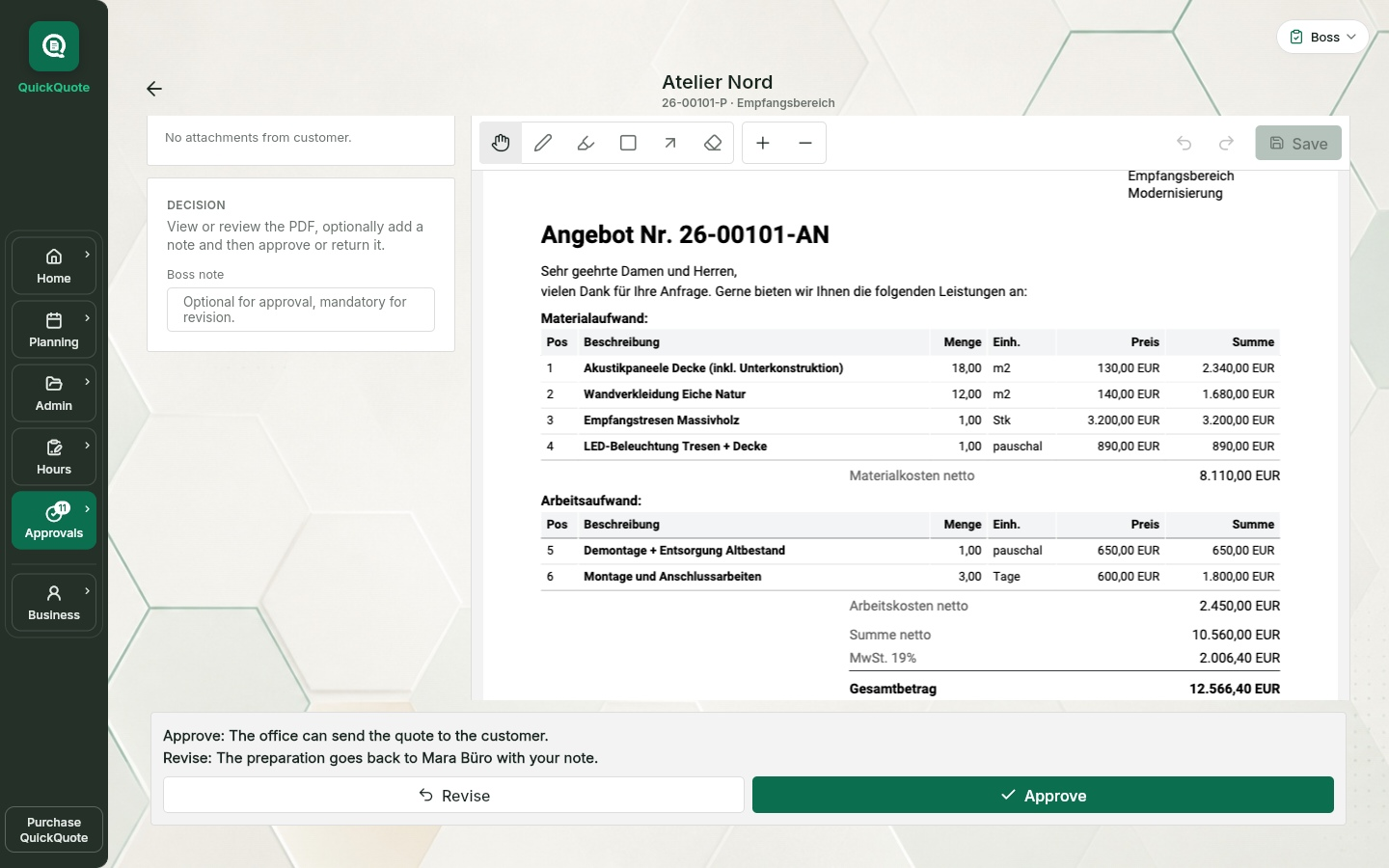
QuickQuote Pro · 3 / 4
The same week plan, hours and manually recorded materials as in the free planner. Pro adds the material catalogue and delivery note reconciliation before invoicing.
Explore this step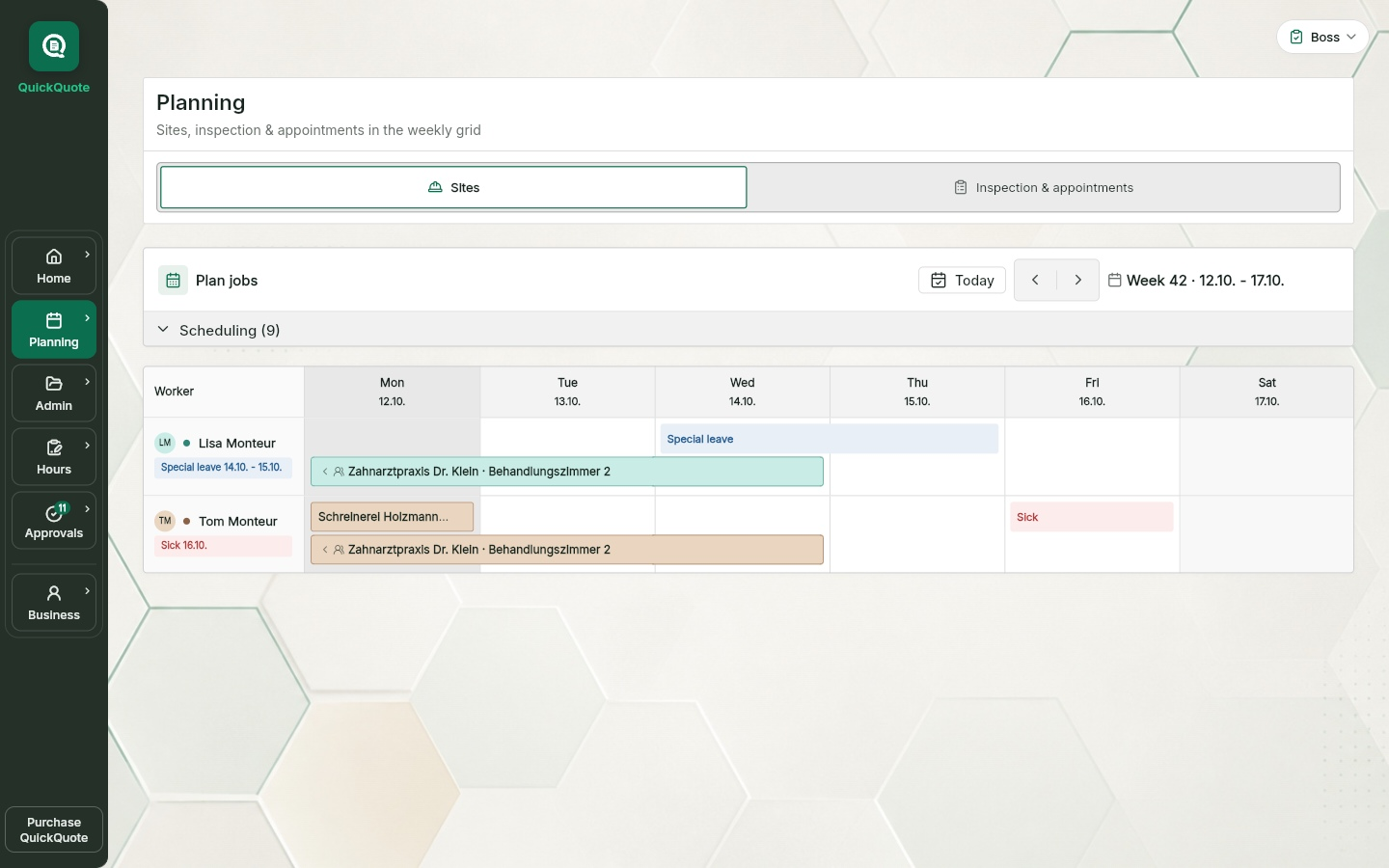
QuickQuote Pro · 4 / 4
In the web app: prepare an invoice draft, have the boss or owner approve it and correct it through cancellation and replacement if needed. Sending and payment status stay visible on the job.
Explore this step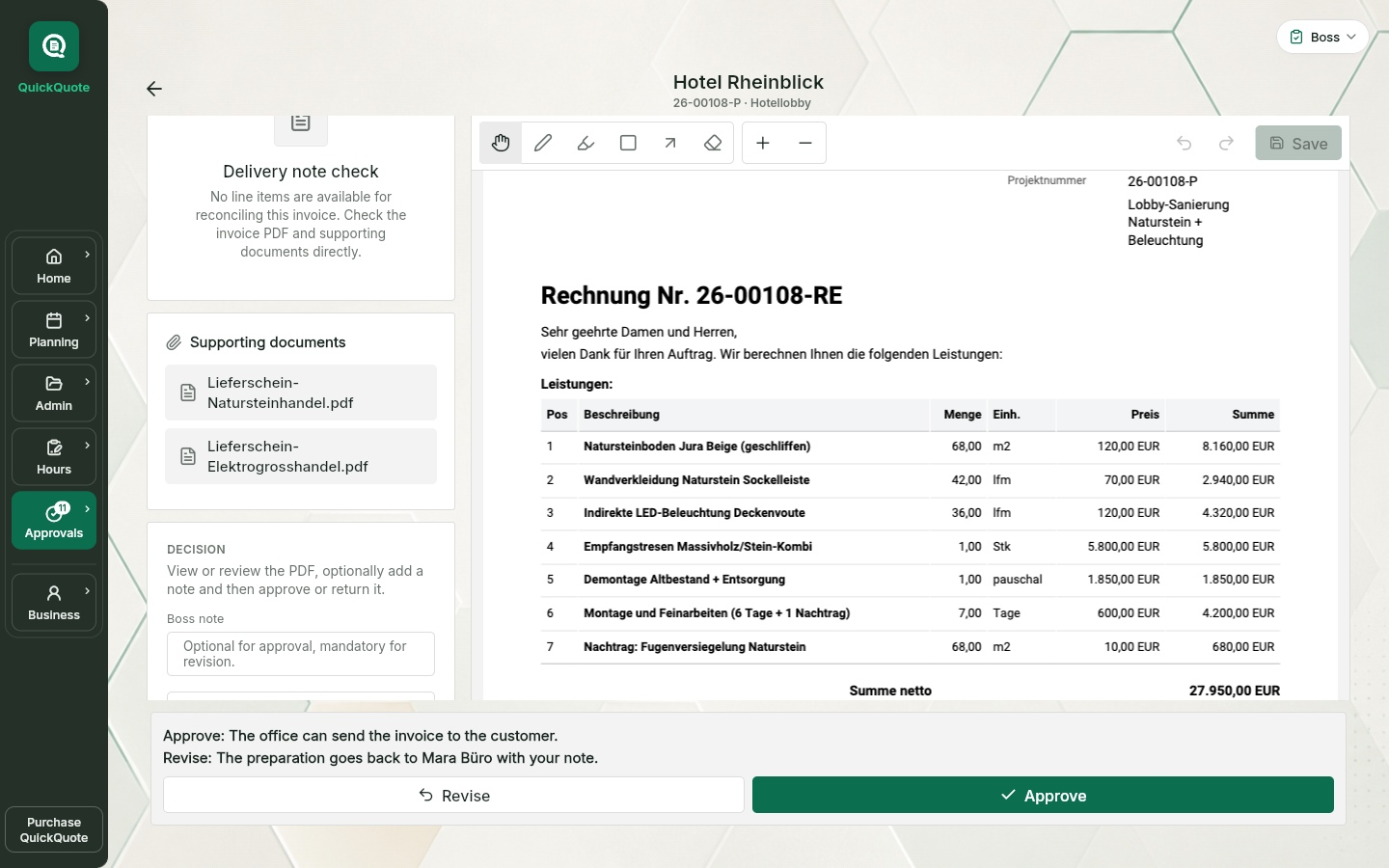
QuickQuote in 21 seconds
Schedule a job, record hours on site and open the invoice draft in the office. See the workflow in action.
Scheduling and time tracking are free for up to 10 people, including the owner. Quotes and invoices require Pro.
Site chat in the web app
In the internal site chat, site and office communicate directly on the Pro project. Text and photos stay with the right job instead of getting lost in another group.
Available in the current web app. In the mobile apps, availability depends on the installed store version.
How site chat worksText and one photo per message, with the sender and time in a shared history.
Owners, bosses and office staff can access all their company’s chats. Technicians and installers see the chats of their assigned projects.
After project completion, authorised people can still read the history; new messages are disabled.
Nothing gets left behind
Open hours, vacation requests, sites without a date: the home screen collects what is waiting for you and leads straight to the next step. In the free planner for scheduling, hours and absences, in Pro also for quotes, invoices and payments.
No business runs perfectly all the time. What matters is making open work visible before it becomes a problem.
See the operating workflow in the demoNo installation, no sign-up needed. Click, try it, and see for yourself how a job moves through the business.
QuickQuote organises the handovers between job site, office and boss. Everyone sees exactly their part, without anyone having to ask around or search.
Review, approve or send back.
Plans, approves hours, sees the whole company. In the free planner and in Pro.
The site visit becomes preparation.
Plans along, checks hours, records absences. In Pro also quotes, invoices and documents.
Log execution and hours cleanly.
Sees his jobs on the phone, books hours, reports vacation and sick leave. In the free planner and in Pro.
Capture on site, and run the job if needed.
Documents the site visit with photos, measurements and voice notes. Pro only.
Features in detail
Every feature has its own page with real app views. See how QuickQuote maps your day-to-day.
Scheduling, time tracking, the time clock and vacation for free; site visits, quotes and invoices in Pro. Everything works together in one workflow. All features are included in Pro.
See transparent pricingFree. Week plan, bars, crews, customer appointment, absences in one view.
Free job schedulingFree. Book project hours on the job, record attendance with the time clock and compare the two. Timesheets as PDFs with signatures.
Explore the free timesheet appFree. Vacation request, sick leave, special leave, vacation account.
Vacation planning for tradesPro. The whole job from site visit to payment status.
Job management software for tradesPro. Photos, measurements, materials and voice notes right on the project.
Site documentation appPro. AI draft, line items, your own or an existing PDF, approval, invoice.
Quotes and invoicesThe planner costs nothing, for up to ten people including the owner. QuickQuote Pro is 89 EUR a month plus VAT for the owner and two team licences, up to ten installers per company are included. Cancel monthly.
The Pro base licence covers a team of three: owner plus two team seats included.
Additional seats by role: Office, Technician or Boss €29, from the eleventh installer €19 per month.
All prices excl. VAT.
Short answers, no detours.
Nothing. Week plan, time tracking with the time clock, timesheets, manual material recording and absences are free for up to ten people including the owner. You enter no payment details, no trial runs out and no subscription starts by itself.
Then you need QuickQuote Pro. Pro is 89 EUR a month plus VAT for the owner and two team licences, up to ten installers per company are included. Further seats are added per role. The switch happens in your existing company account, your team stays.
Yes. The free planner is not a trial, it is the core of QuickQuote: scheduling, time tracking with the time clock, manual material recording and absences. Pro adds the wall display, site visits, quotes, invoices and AI features. You decide if and when.
QuickQuote uses encrypted transfer and role-based access. Database and server-side functions are set up in European regions; individual services may also process data outside the EU. Providers and safeguards are listed in the privacy policy and the DPA.
Register your company, confirm your email address, invite your team. On first start Quey walks you through the free core step by step: set up the company, invite the team, plan a site, record and check hours, create a timesheet. A browser demo is also available without an account.
The free planner has no subscription. You cancel a Pro subscription through the customer portal at the end of the current billing period. Save the data and documents you need beforehand; the cancellation alone does not delete the company account.
Owners can export company data as a ZIP with JSON and CSV files, including project hours, absences, work schedules and company hours. The separate profile export has a smaller scope. The company ZIP contains document references, not the actual PDF, photo or attachment files. Save required documents separately before switching or deleting your workspace.
Ready to start?
The demo runs in the browser without an account. The free planner starts with your company name, an email address and a password; you confirm the address once by email.


App views use this language. Example names, project data and sample PDFs may remain in German.